
Lab: Simulate and Test a Conversational Voiceflow for a Booking Assistant
Estimated time: 15 minutes
Learning objectives
After completing this lab, you will be able to:
Create a new chatbot project in Voiceflow
Simulate a booking assistant that can confirm details empathetically
Test conversations and adjust chatbot behavior when details are missing
Edit chatbot agents to include special requirements
Run a complete test of a booking conversation, from request to final confirmation
Disclaimer
You are recommended to use the free version of the Voiceflow UI UX design tool. If you are considering upgrading the tool, you are responsible for any applicable charges.
Please note that the image interface that has been used in this lab may differ from the previous version in layout and functionality.
Introduction
Voice assistants are no longer futuristic experiments; they are quietly running hotel check-ins, online orders, and even medical triage today. In this lab, you are going to use Voiceflow, an AI tool, to share how the booking assistant listens, responds, and adapts. It's quick but a powerful dive into the mechanics of turning plain requests into smooth, human-like conversations.
Scenario
Imagine you are working for a restaurant that wants to make online reservations easier for customers. Instead of calling the restaurant, customers should be able to chat with a virtual assistant that understands their request, confirms details, and even checks for special requirements such as food allergies, wheelchair access, or birthday celebrations.
In this lab, you will use a generative AI (GenAI) tool, Voiceflow, to build a booking assistant chatbot step by step. You will learn how to create the flow, test it, refine agents, and handle missing details so that the assistant provides a smooth and empathetic customer experience.
Steps to perform
Step 1: Log in to Voiceflow and start
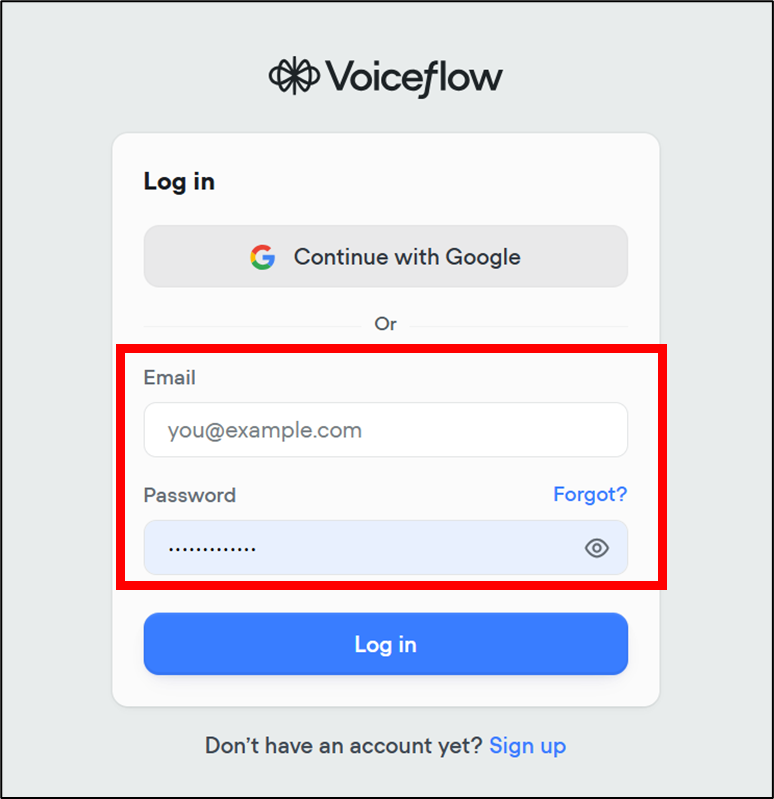
- Open Voiceflow in a browser and log in to your account. If you don't have an account on Voiceflow, follow the steps given in Getting Started with Voiceflow.
Note: To open these links, right-click them and select Open in a new tab.
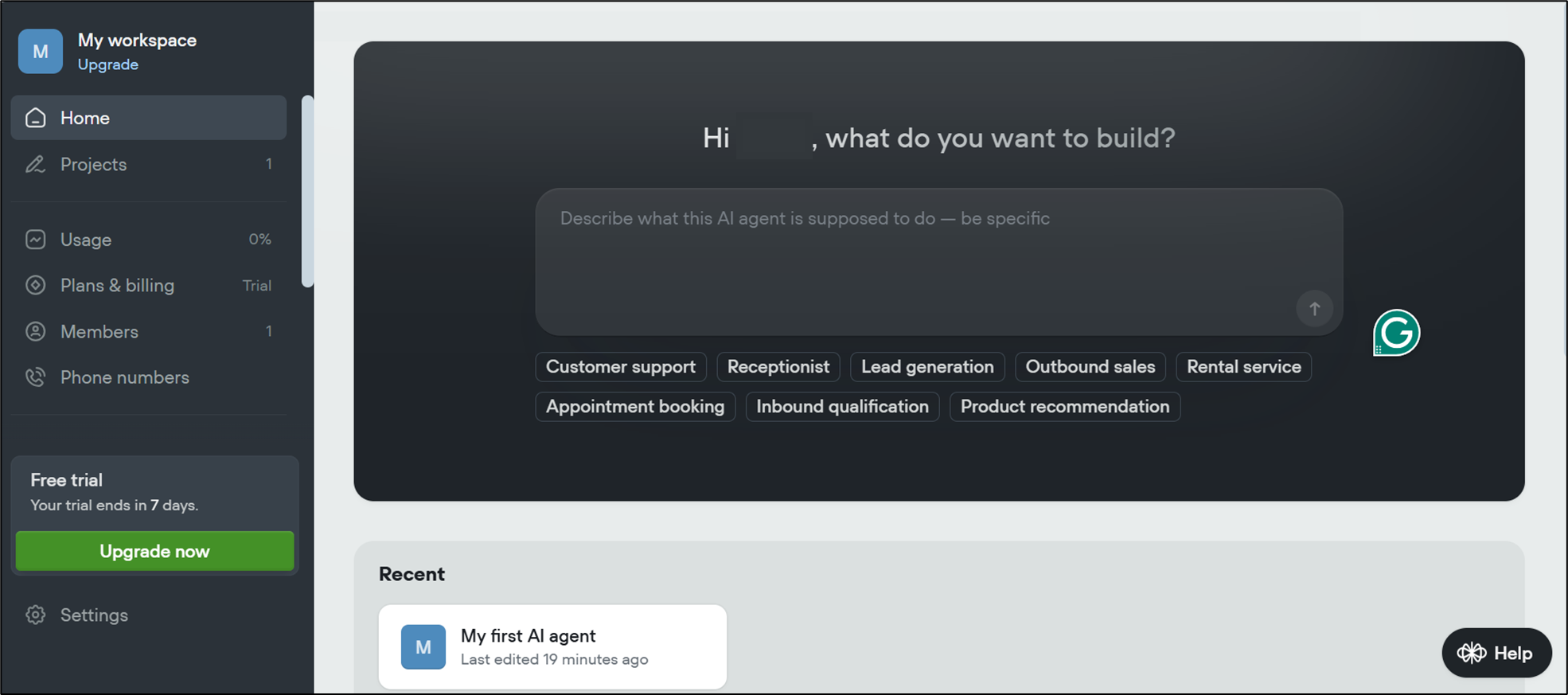
- Once you log in, you will be redirected to the dashboard.
Step 2: Project generation
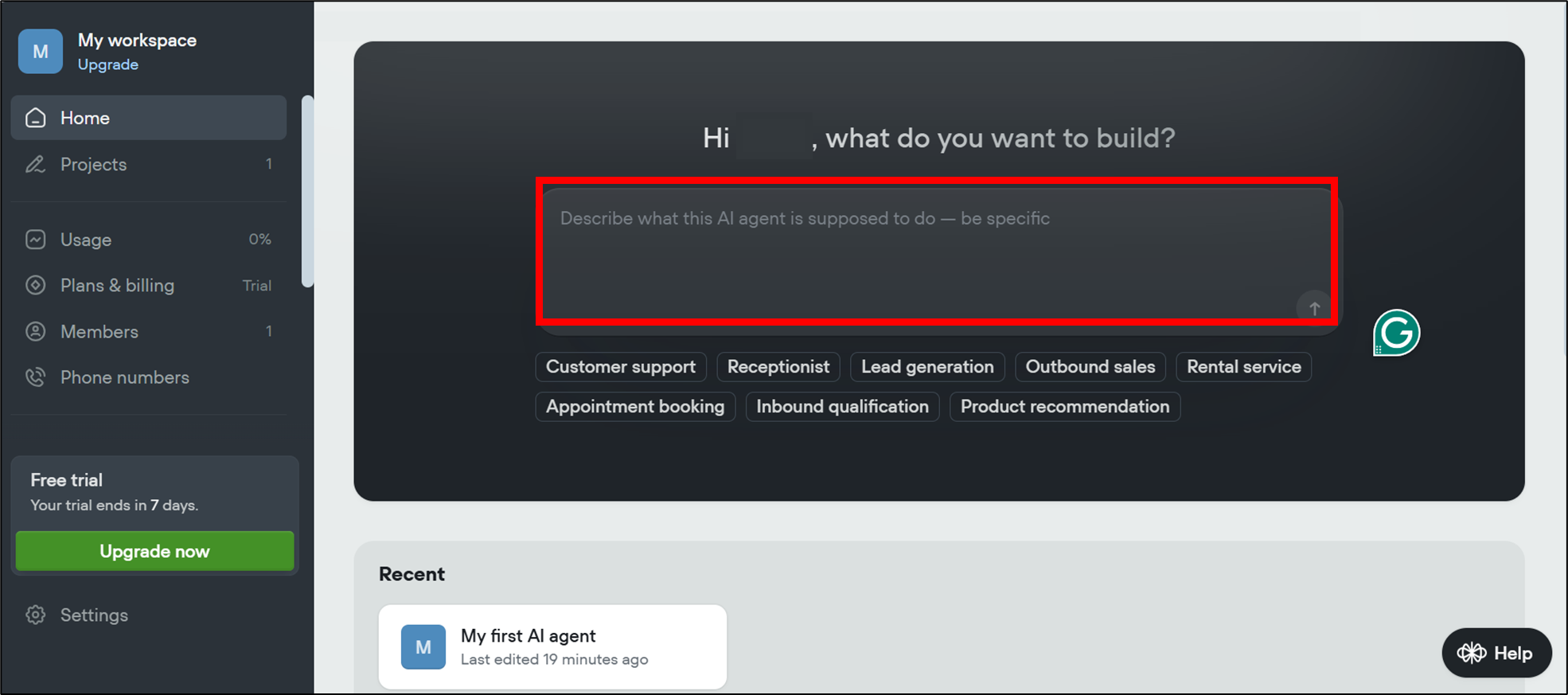
- In the dashboard, there is a text box where you can give instructions to the platform about what you want to create.
- Type in the instructions given below for this lab and select submit.
"Simulate a booking assistant conversation. User asks: 'I need a table for two tomorrow at 7 PM.' Show how the bot confirms, handles missing details (location), and responds empathetically."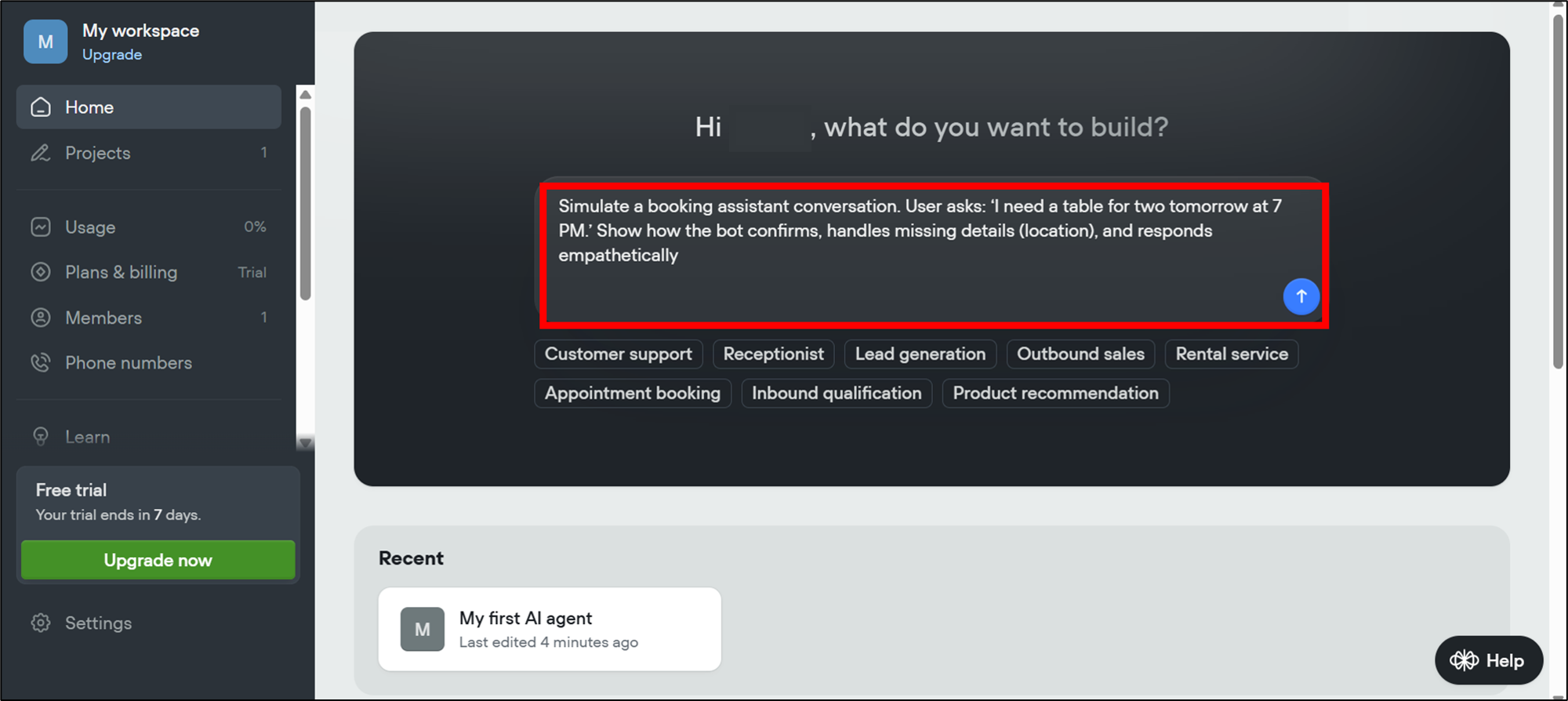
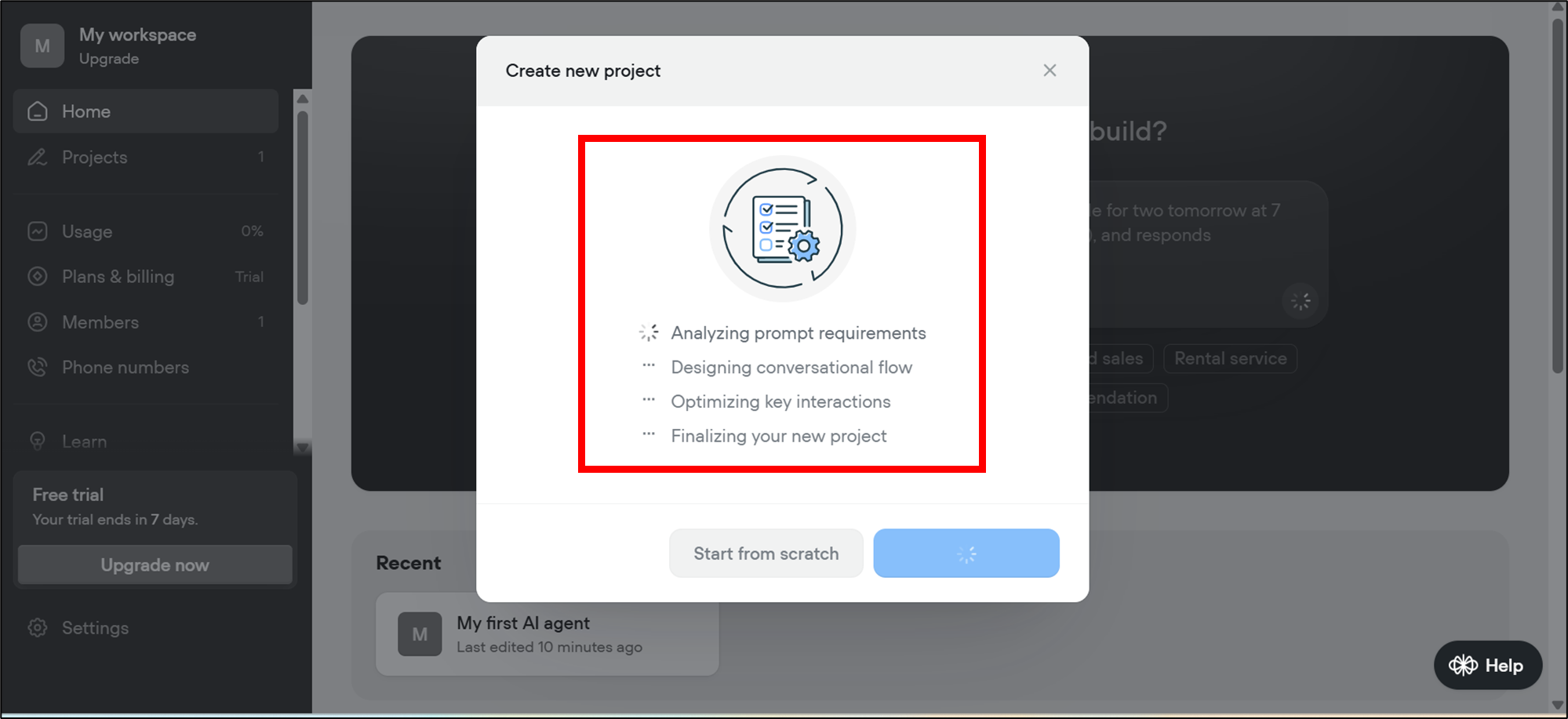
- Once you submit the request, Voiceflow will start analyzing your request and generating a new project based on the given instructions.
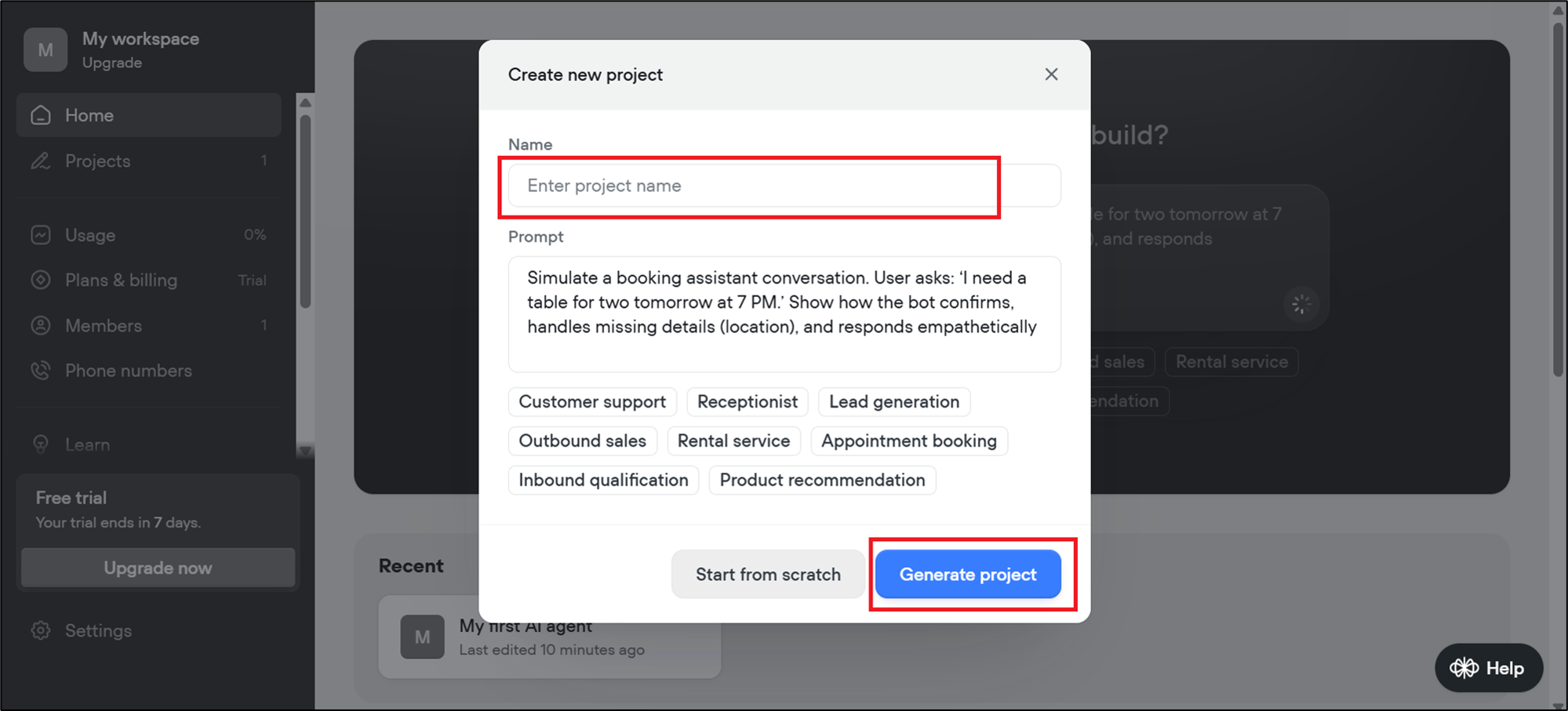
- Once the project is generated, a pop-up will appear asking you to name the new project. In the text field, type in the project name, for example, Chat Assistance, and select Generate project to continue.
Step 3: Layout creation
- Once the project is generated, Voiceflow will automatically create a basic conversational layout for you. This layout is the starting point where the assistant's flow will be visible.
Note: The layout that you are seeing in the screenshot may vary when you actually perform the steps.
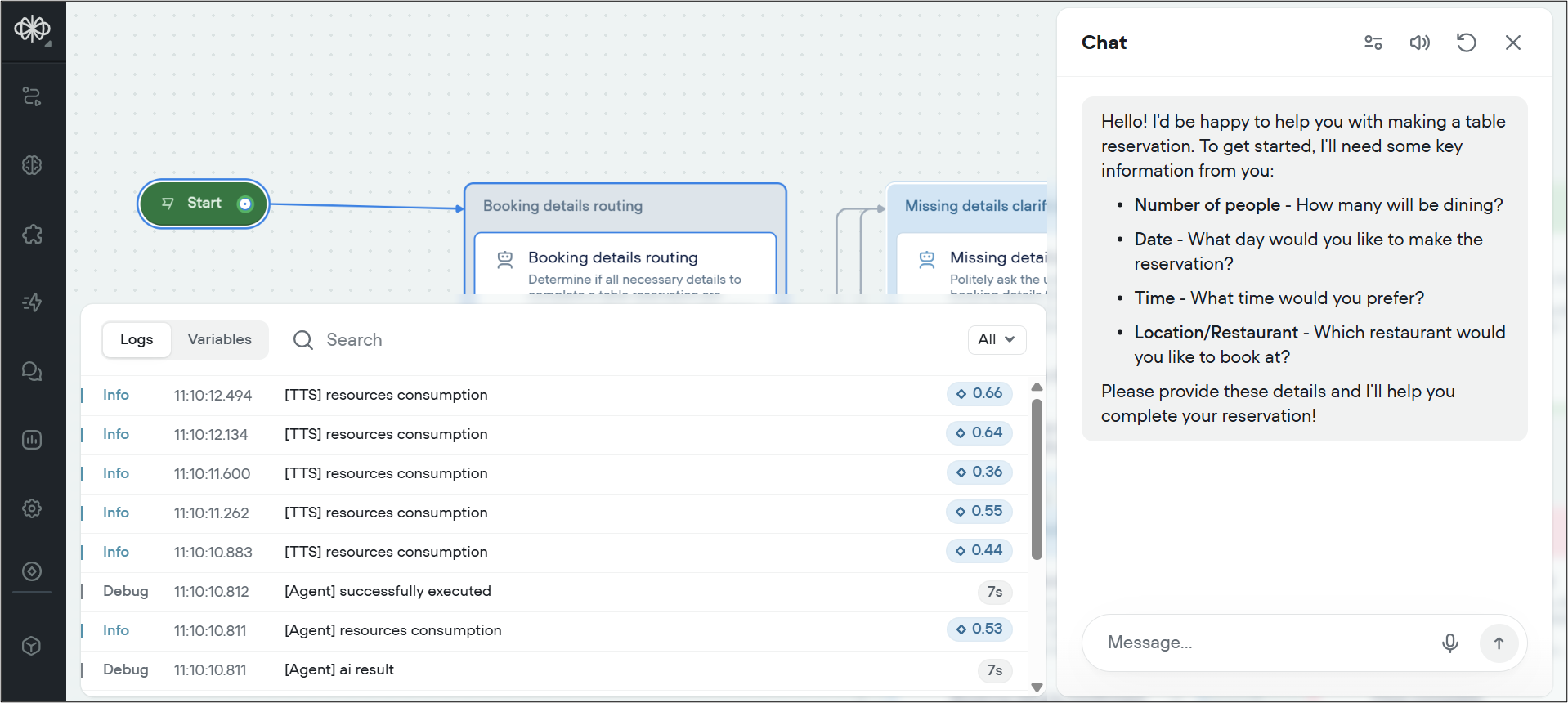
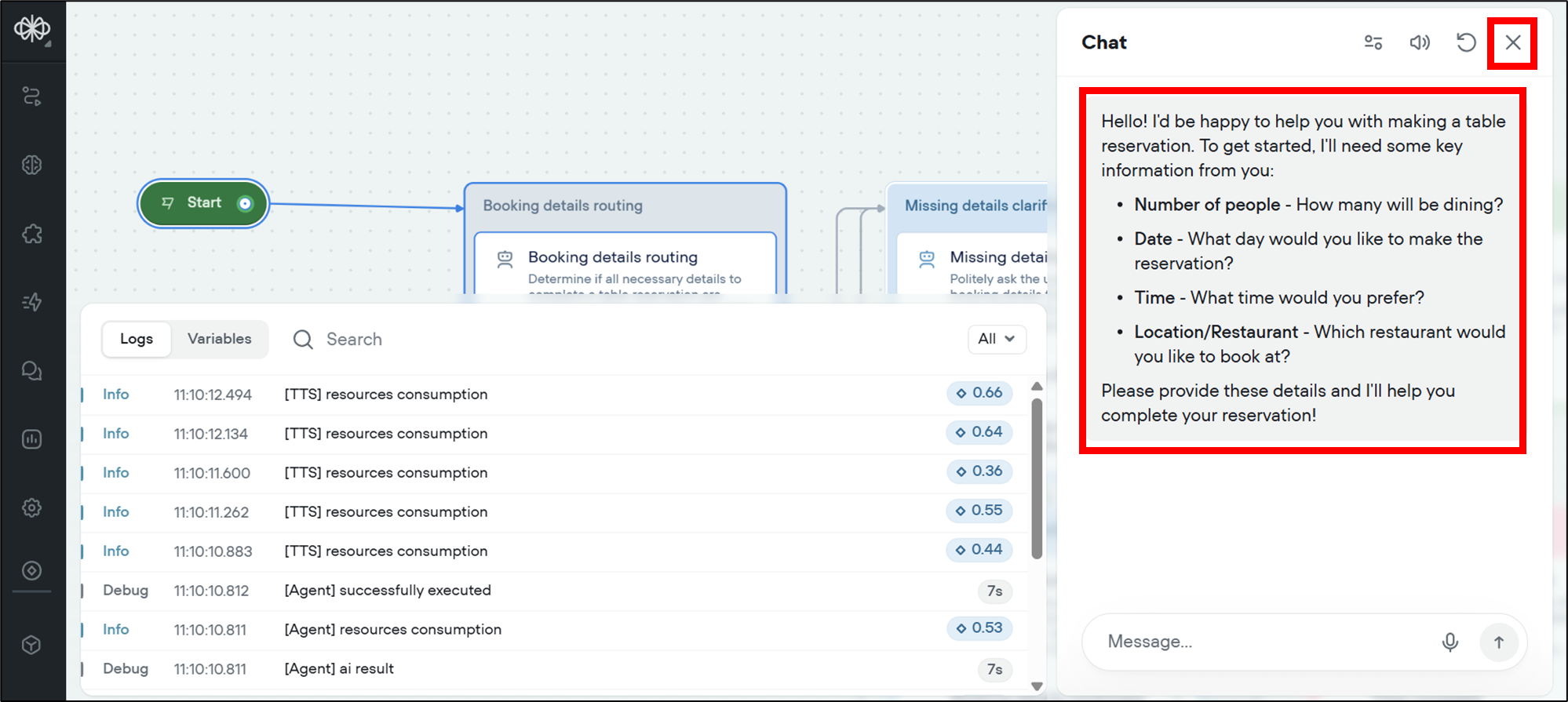
- You can see a pop-up box open on the right side of your screen; close it.
Step 4: Explore the dashboard
- You can see the main dashboard of your new project with the entire flow diagram from the perspective of an AI chatbot.
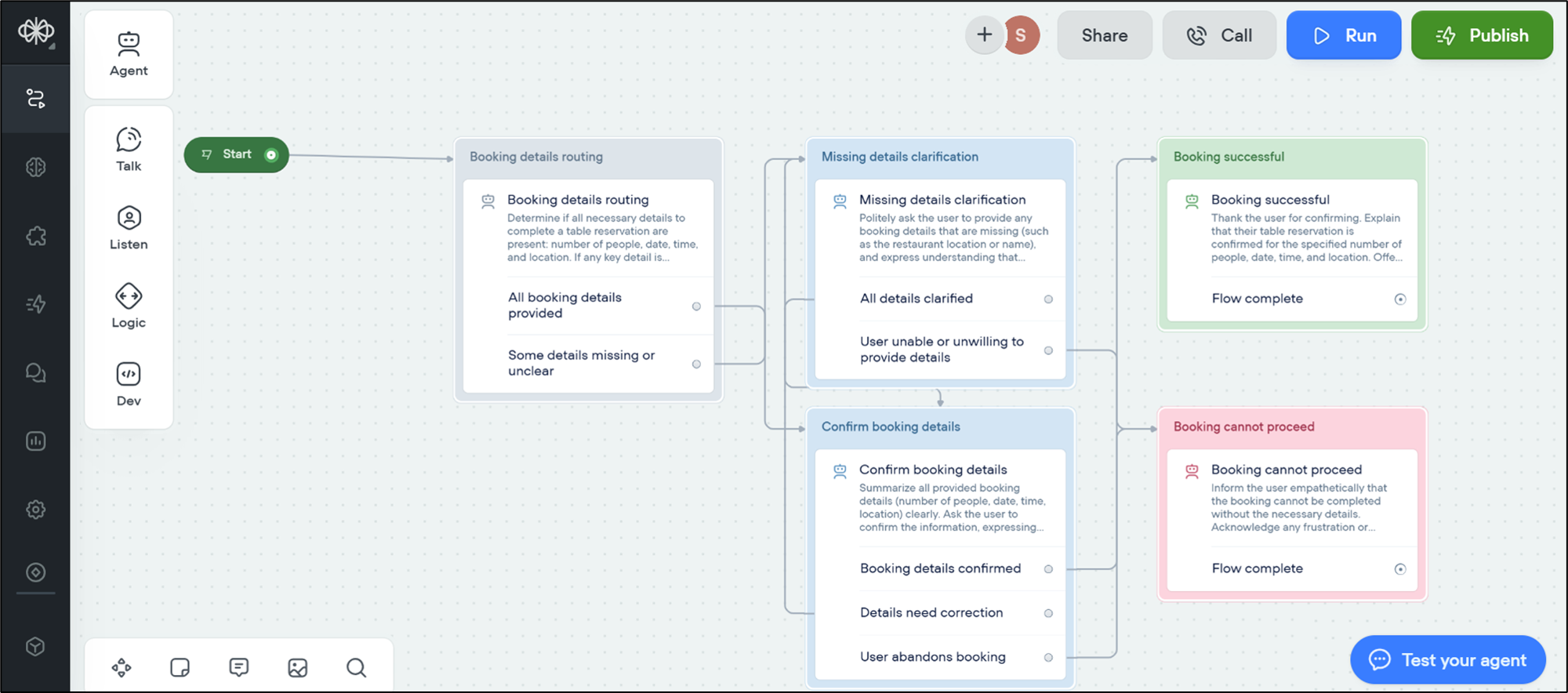
Step 5: Testing the initial conversation
- If you want to quickly test your initial conversation, select Test your agent.
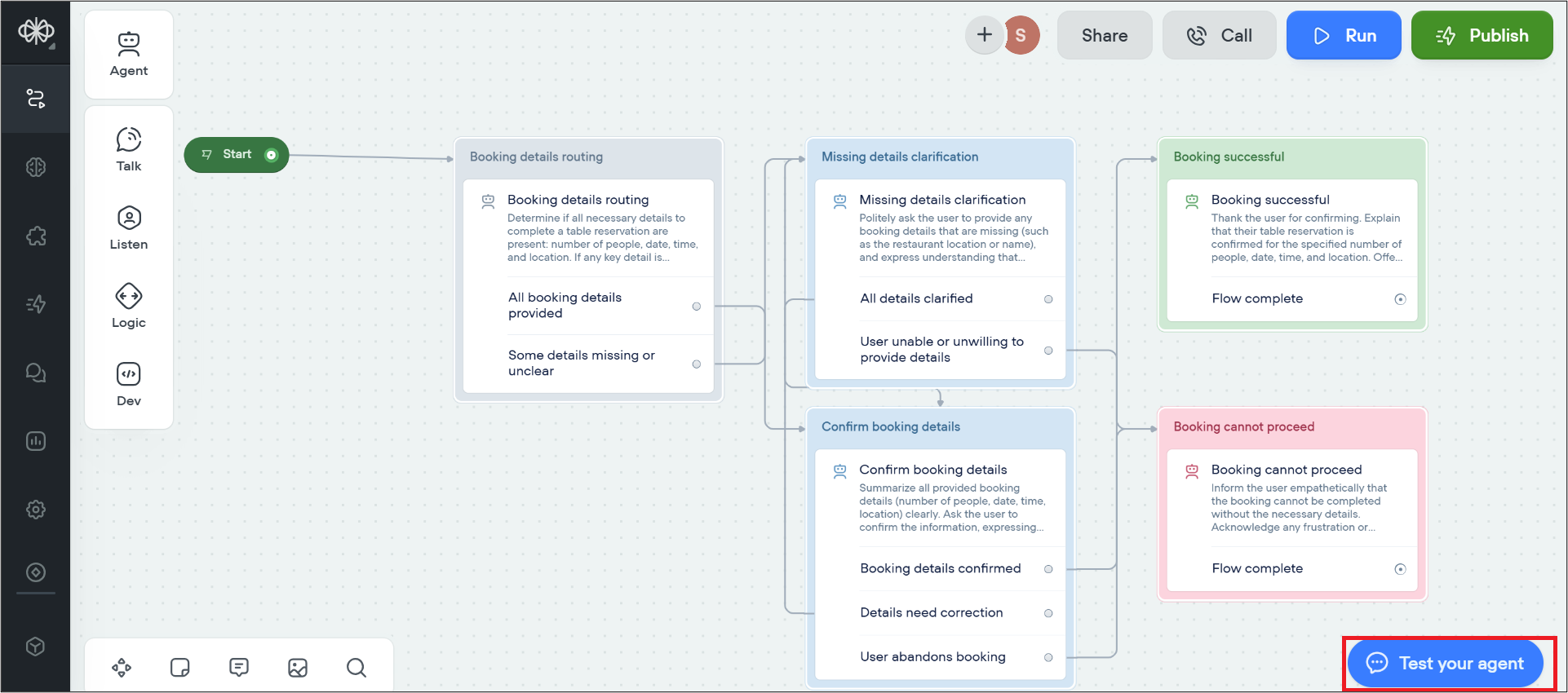
- You can see that a test environment has been launched. In this environment, the chatbot gives you the option to speak out loud the responses and display the text responses in a chatbox on your screen.
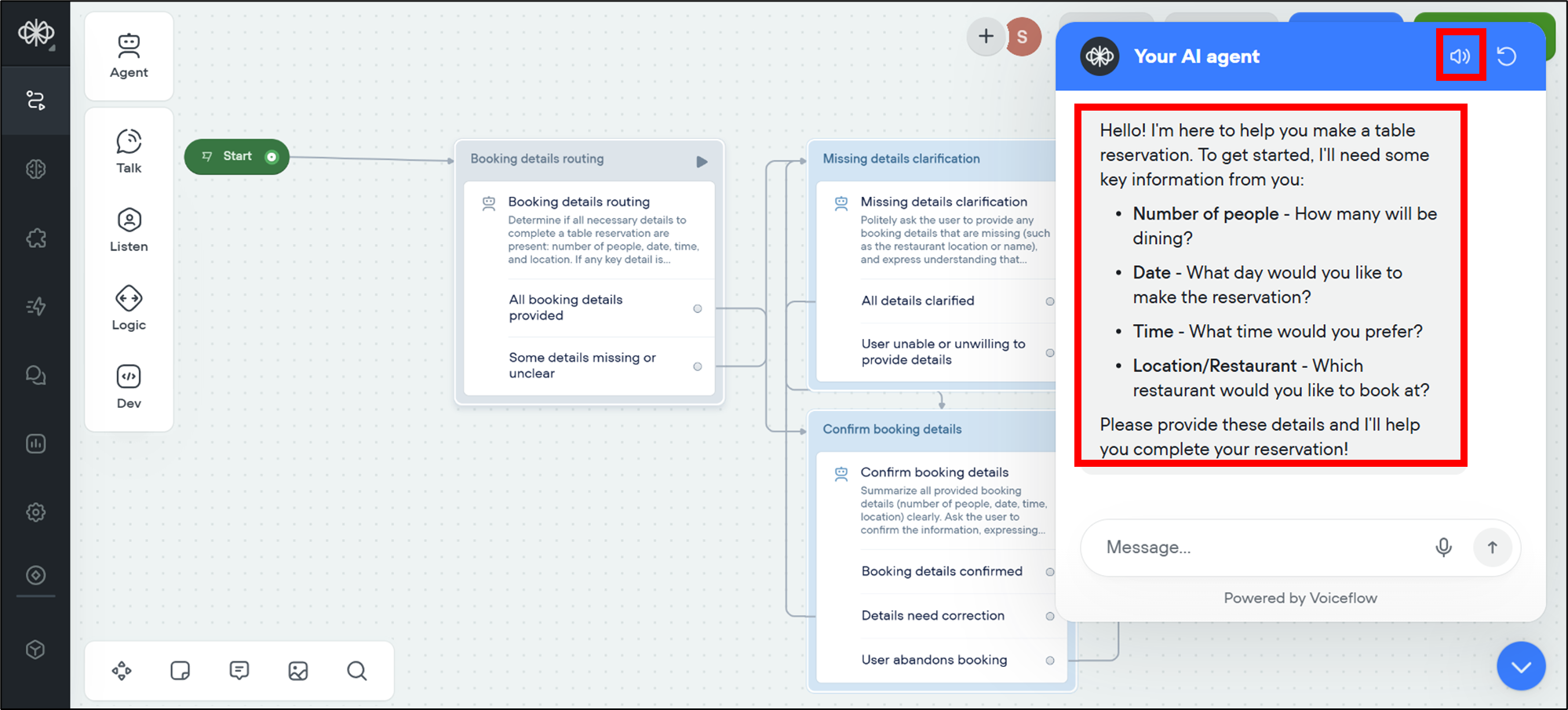
- Now, let's test this AI agent by inserting a simple text in the message field.
"I need a table for two people, please."- Select send or press Enter on your laptop or desktop.
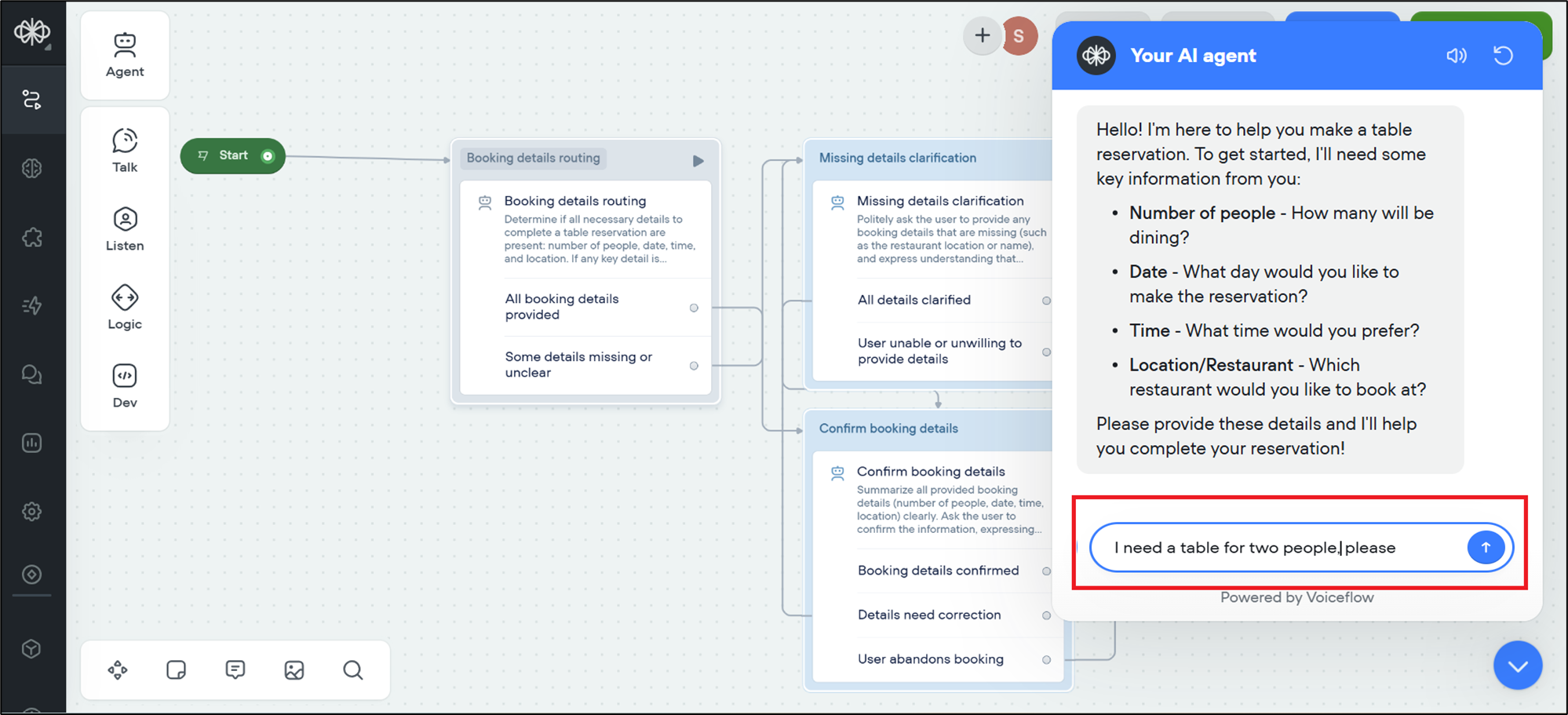
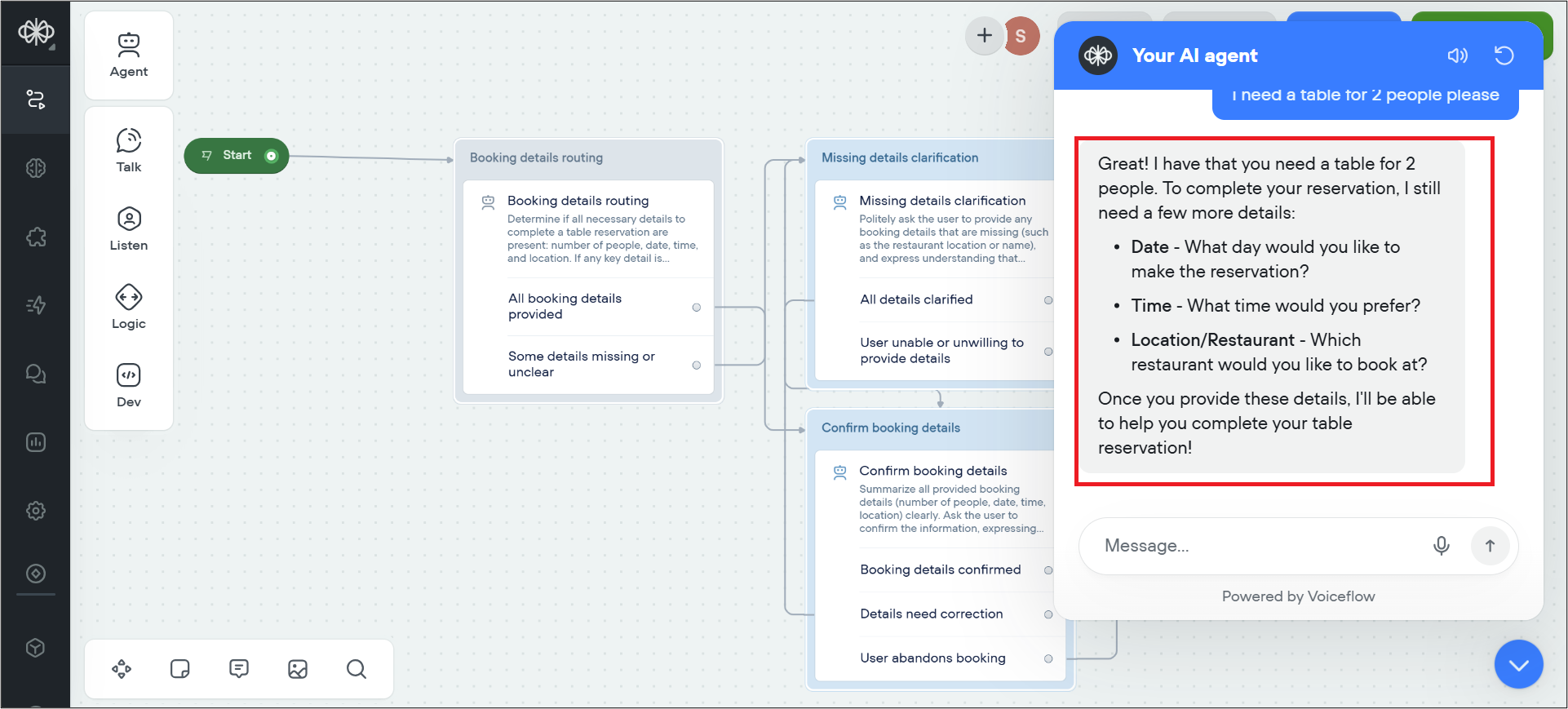
- The bot will process your input. Since you haven't given full details, the chatbot will notice the missing information, such as location or time. The assistant will then politely ask you to provide the details that are missing.
Step 6: Edit the agent
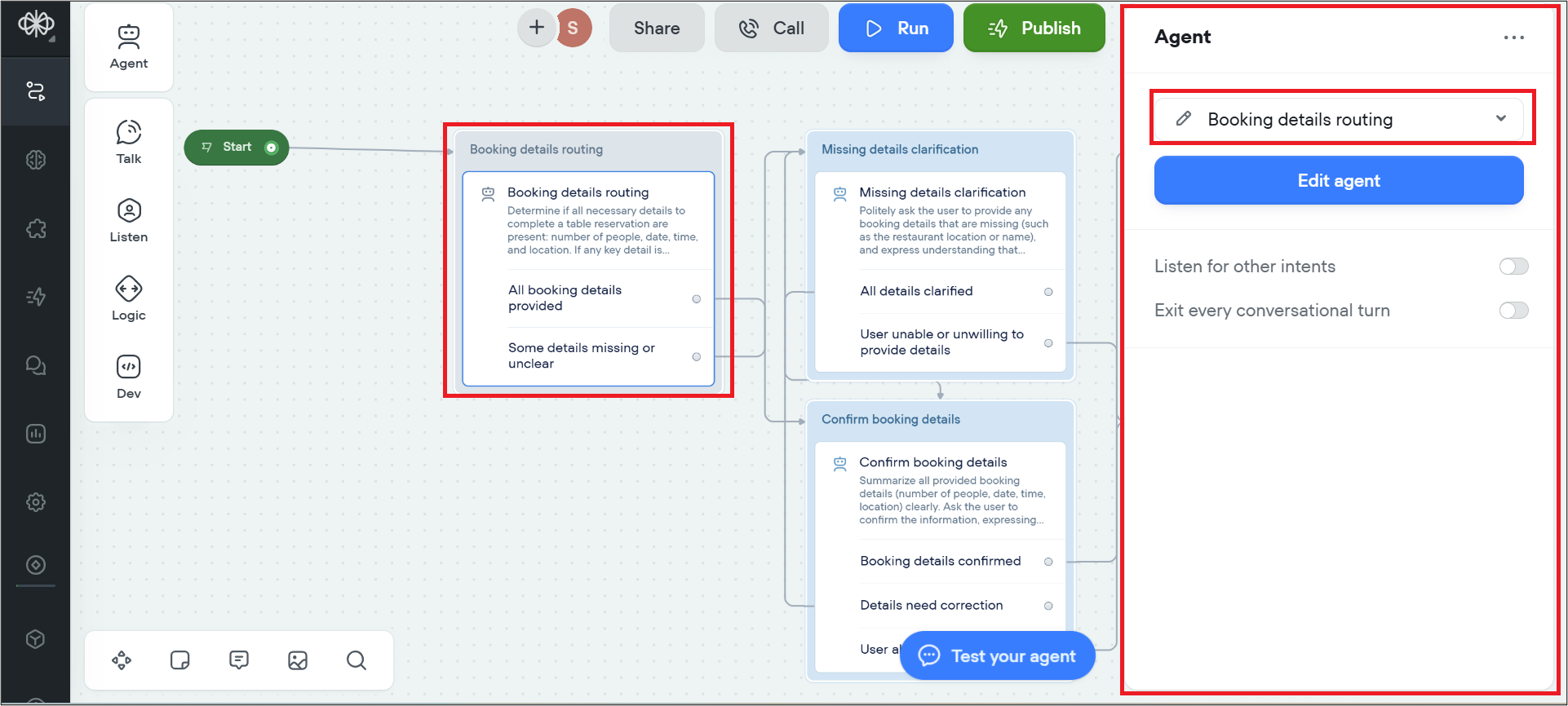
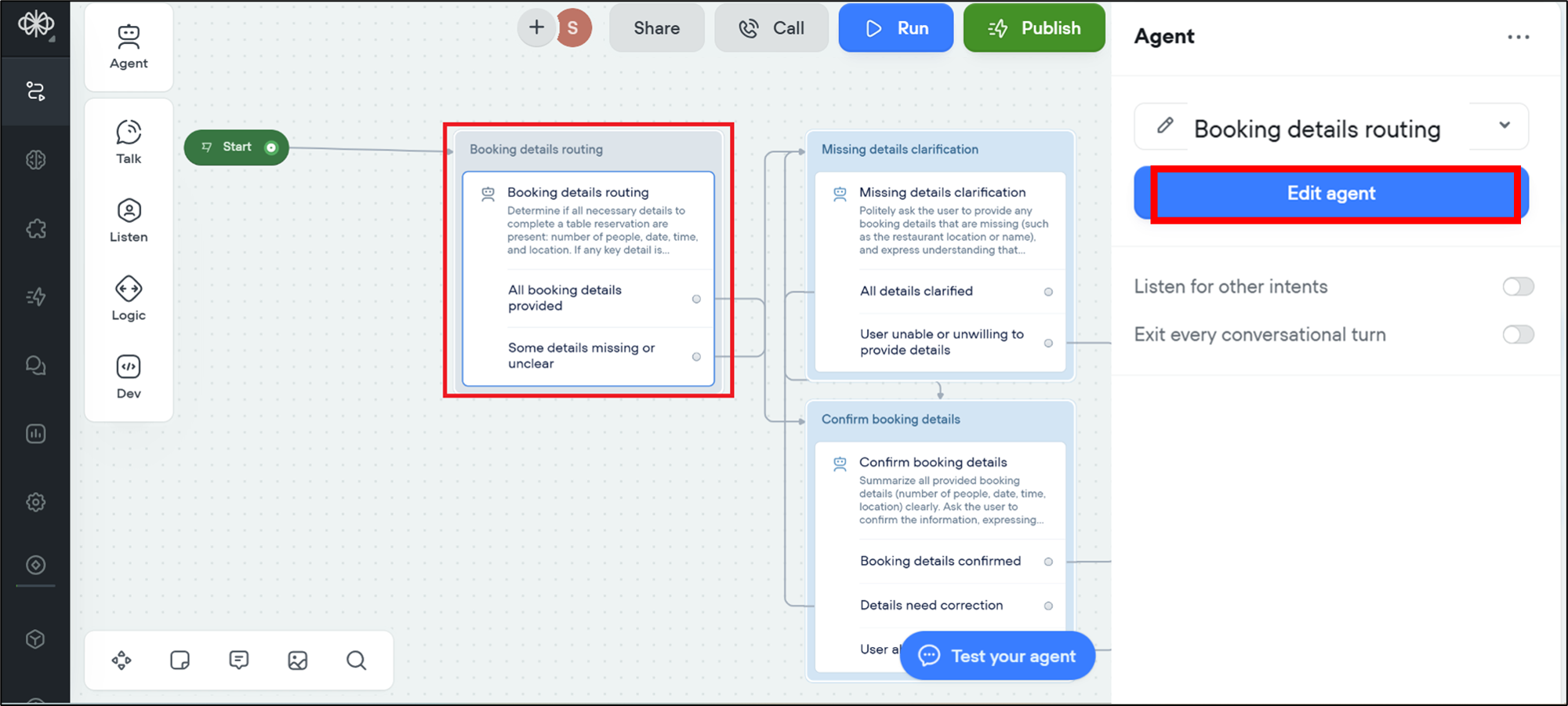
If you wish to customize the AI assistant further, double-click the agent that you want to edit. For example, in this lab, let's double-click Booking details routing.
You can see that a pop-up window will open showing the editable details of that agent.
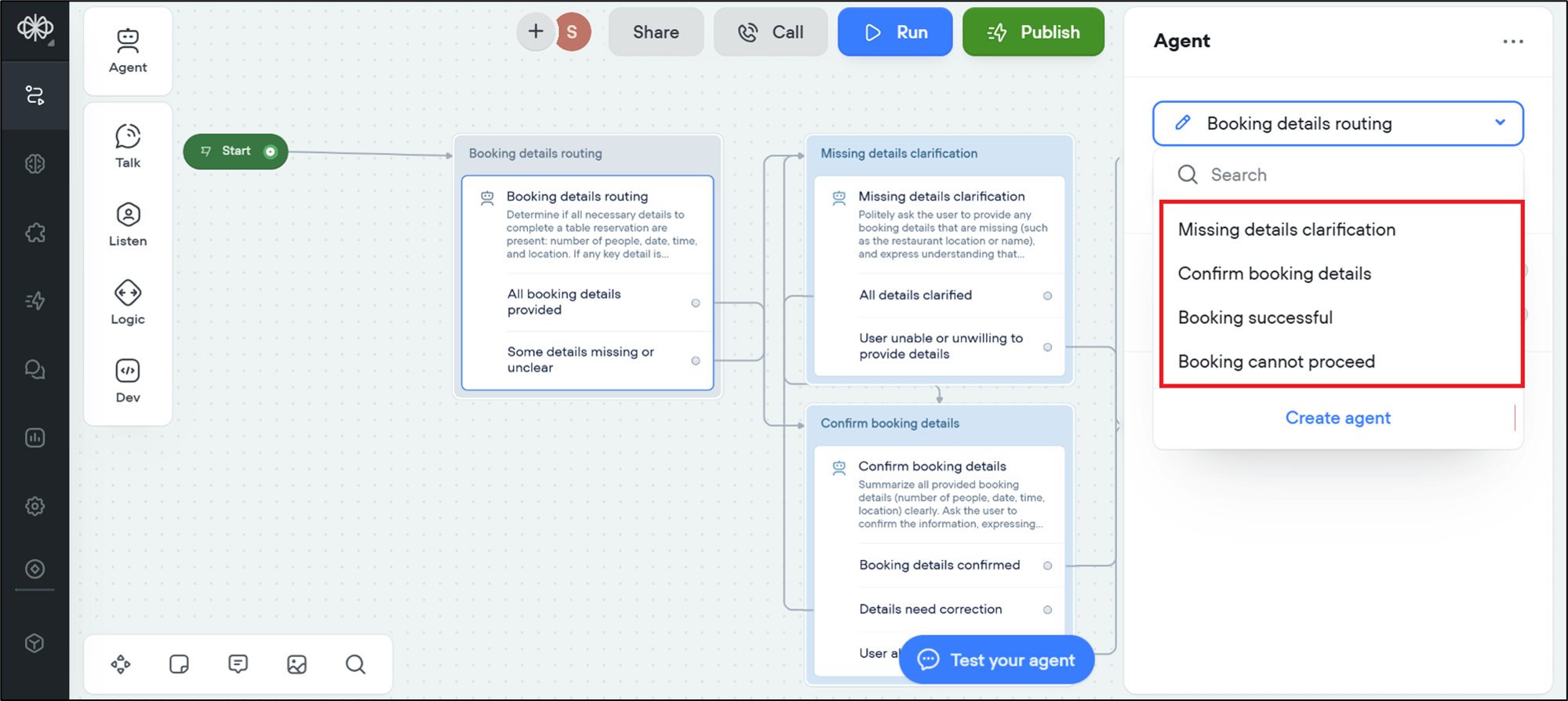
- You can also change the AI agent completely by selecting a dropdown menu and choosing a different agent from the list.
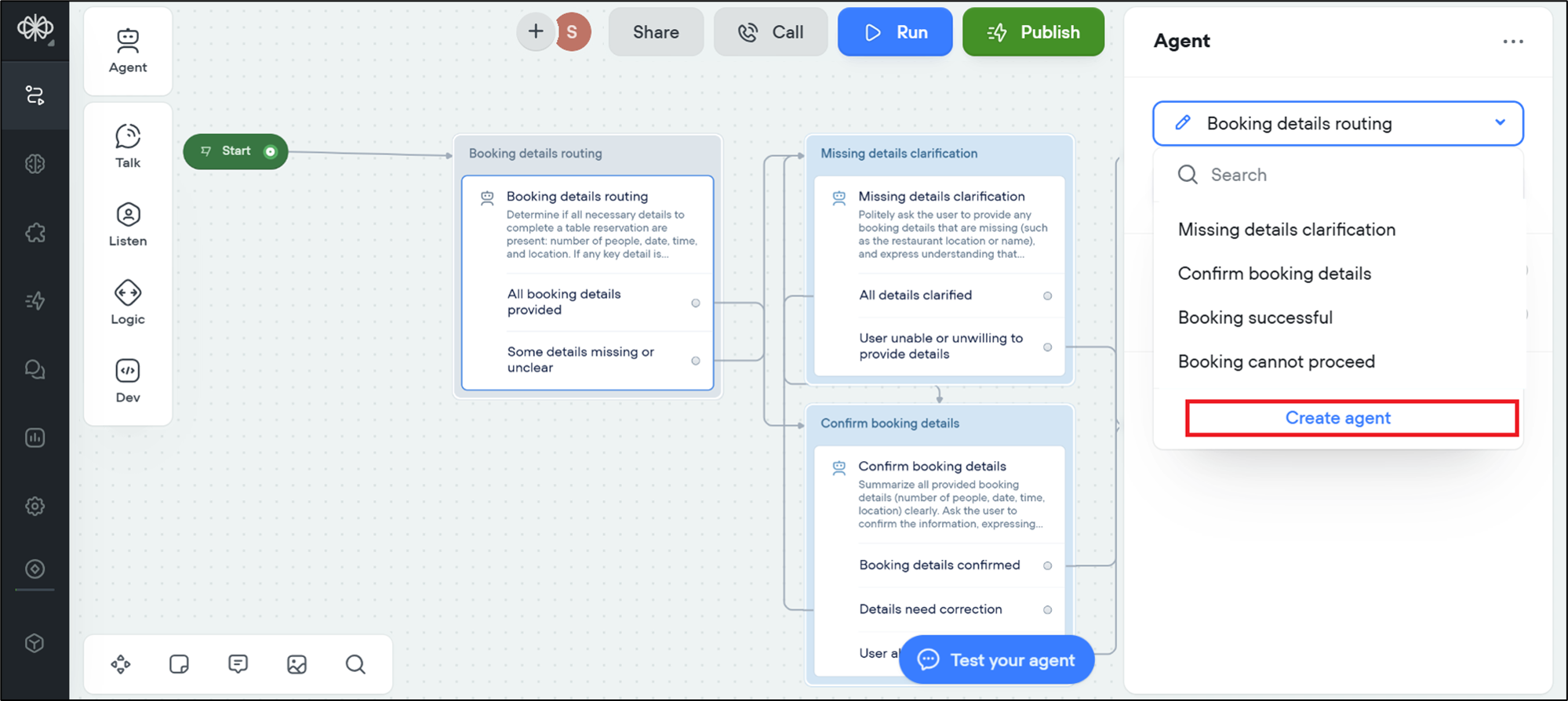
- You can also create a new agent by selecting Create agent.
- For this lab, let's stick to the Booking details routing agent. Select Edit agent to modify its details.
Step 7: Adding specific requirements
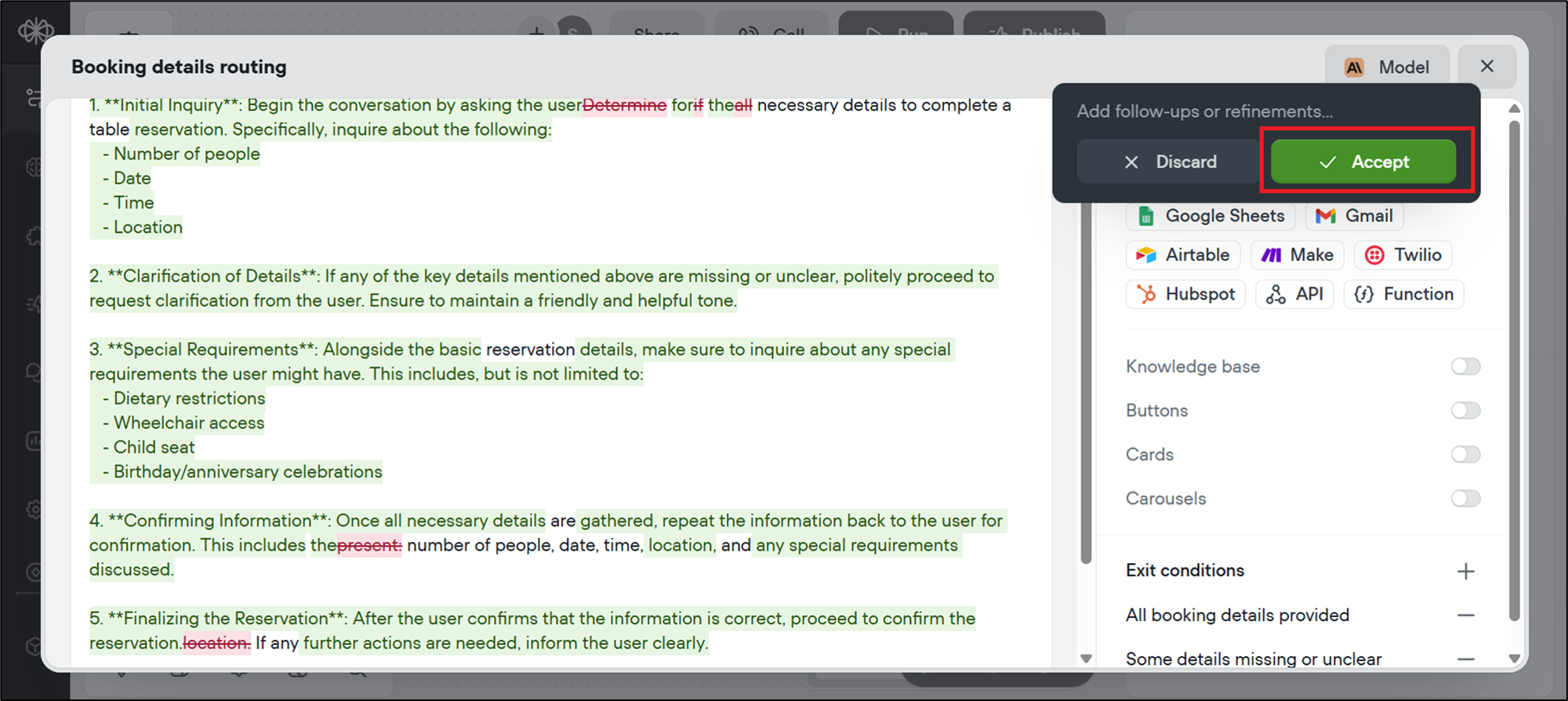
- Once you select the edit agent, a pop-up box will appear with all the editable settings for the agent. You can either watch a video on how to build your first agent to know more, or close it.
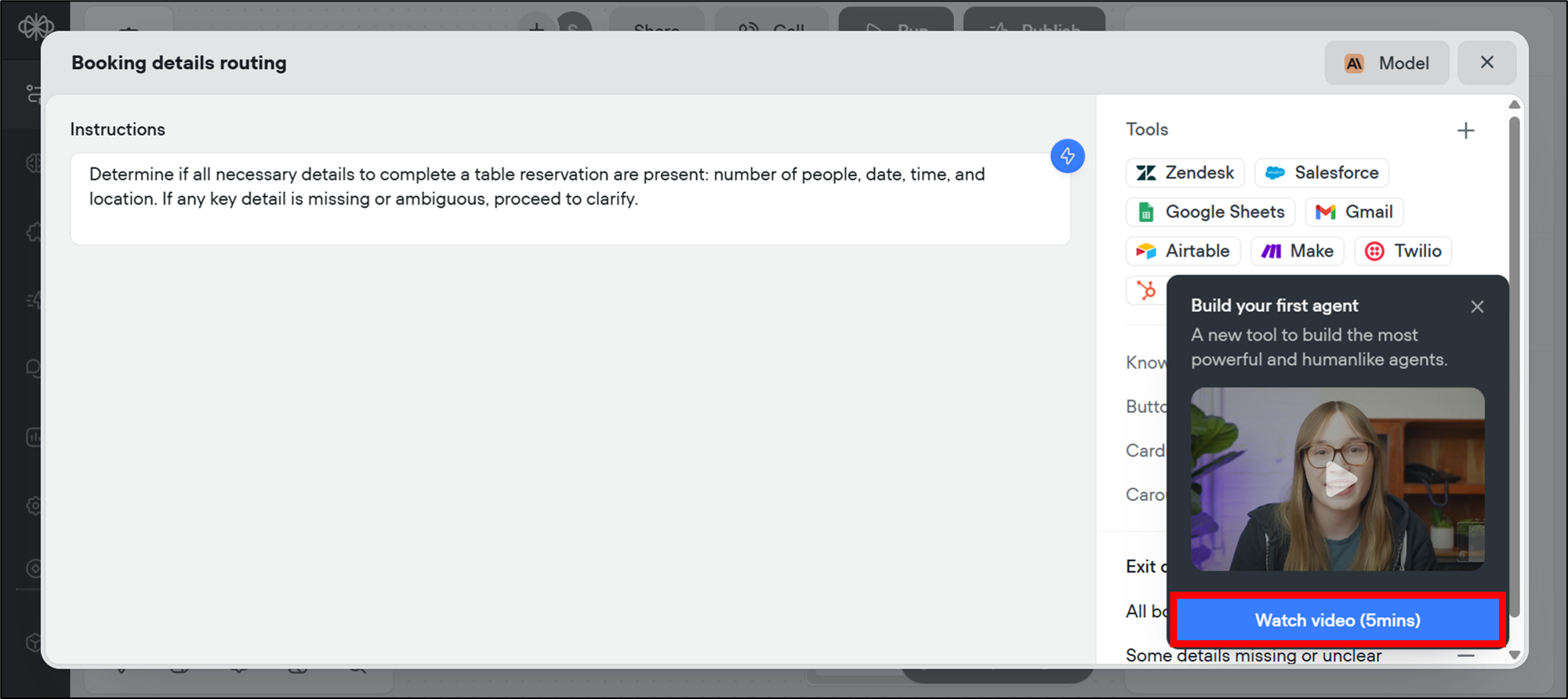
- In the pop-up, select the edit icon to make changes.
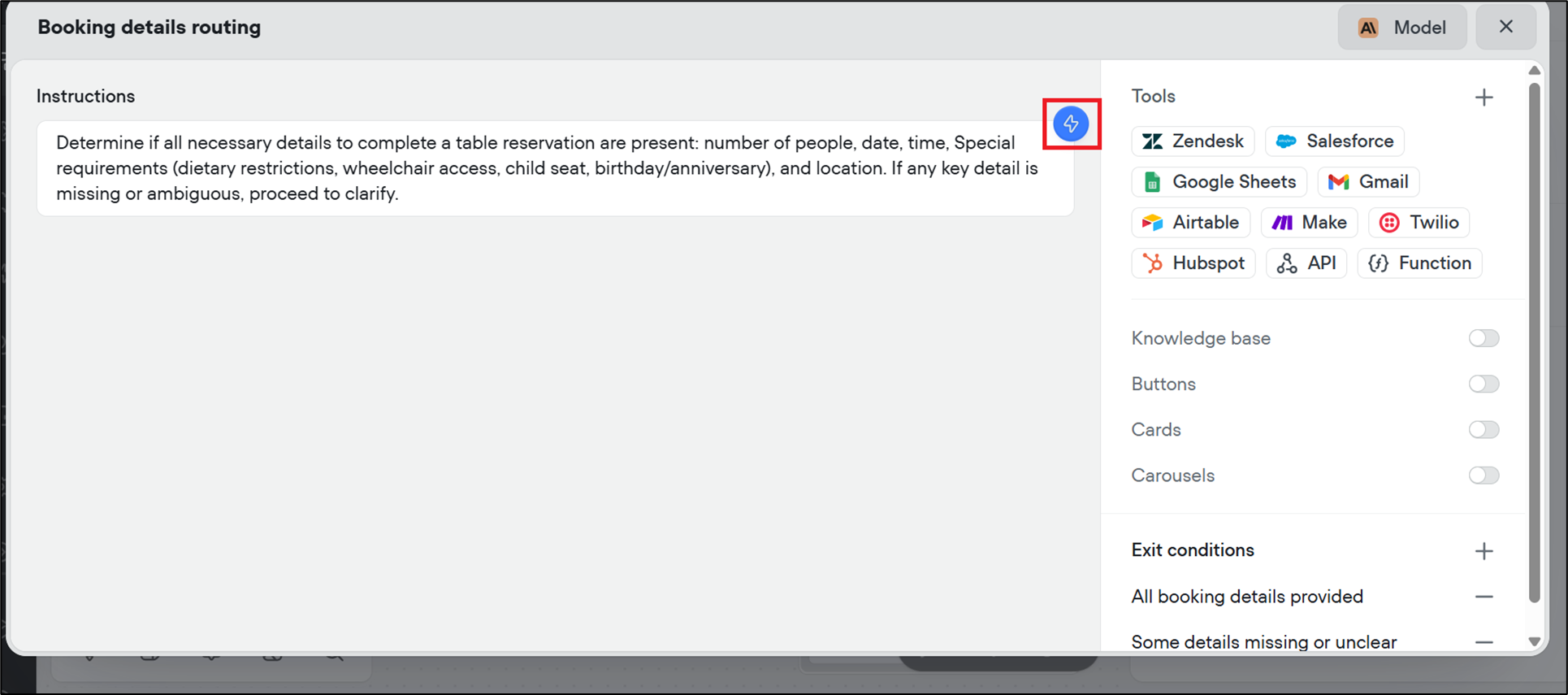
- Now, add your specific requirements to the agent's instructions and select Edit. For example, type the instructions given below.
"Please include specific requirements, such as dietary restrictions, wheelchair access, child seat, birthday/anniversary."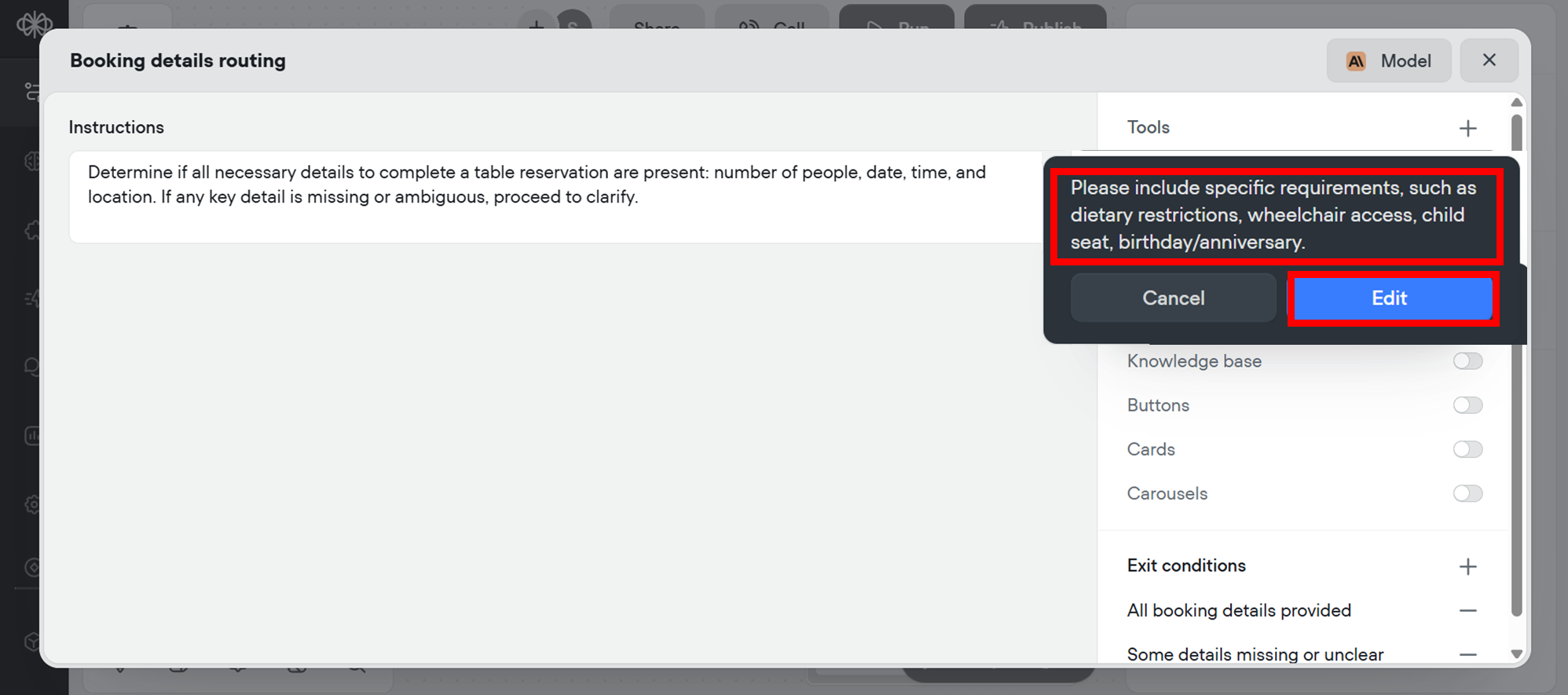
- Voiceflow will refine and update the agent's details accordingly. Review the refined version carefully, and select Accept to finalize it.
Step 8: Updated project dashboard
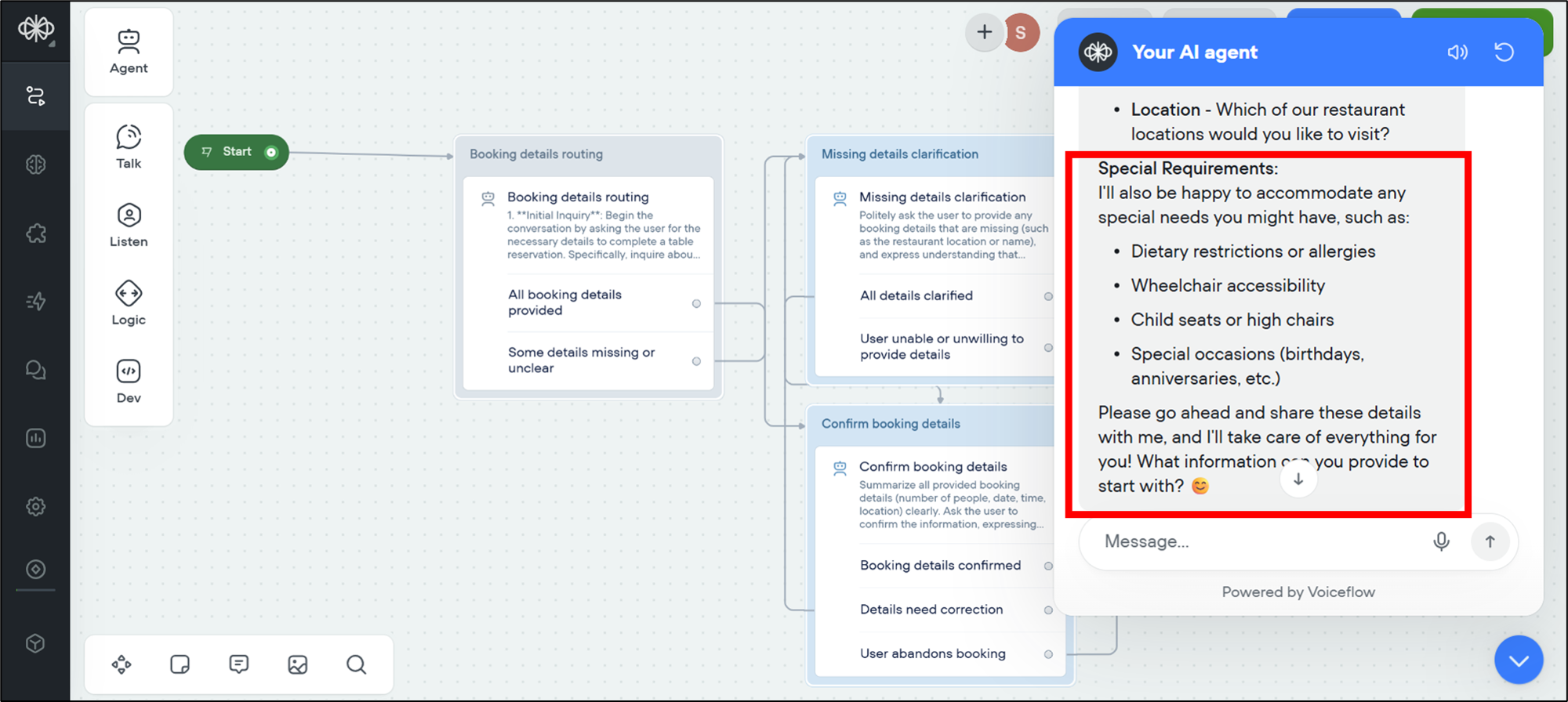
Once you've accepted the changes, you can see that the AI assistant has updated your inserted special requirements, such as dietary restrictions, wheelchair access, child seating, and more, in Your AI agent chatbot.
Step 9: Testing with a more complex prompt
- To test the improved chatbot, provide a more detailed input. For example:
"Yes, please, book a table for four people at Mon Lapin for September 10th at 8:00 PM. One guest has a peanut allergy."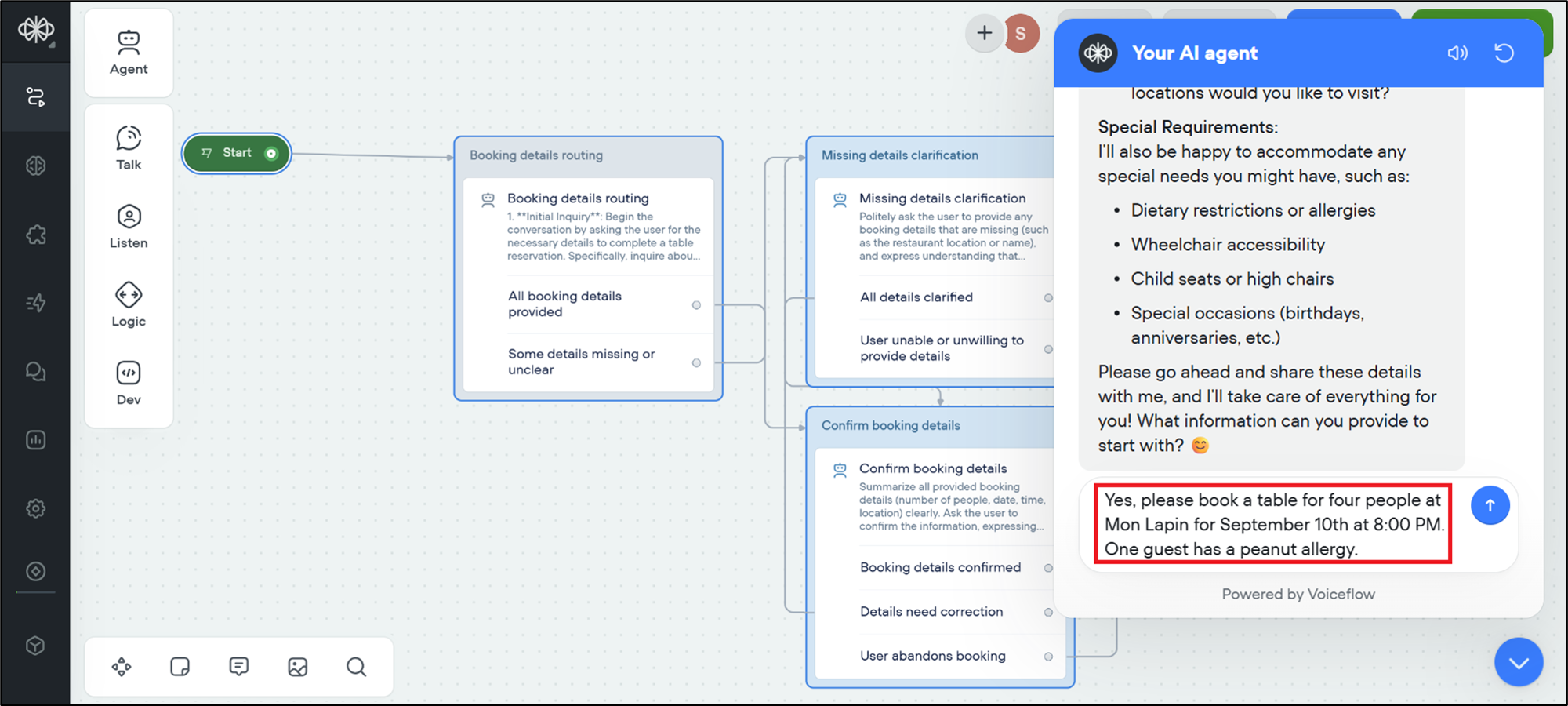
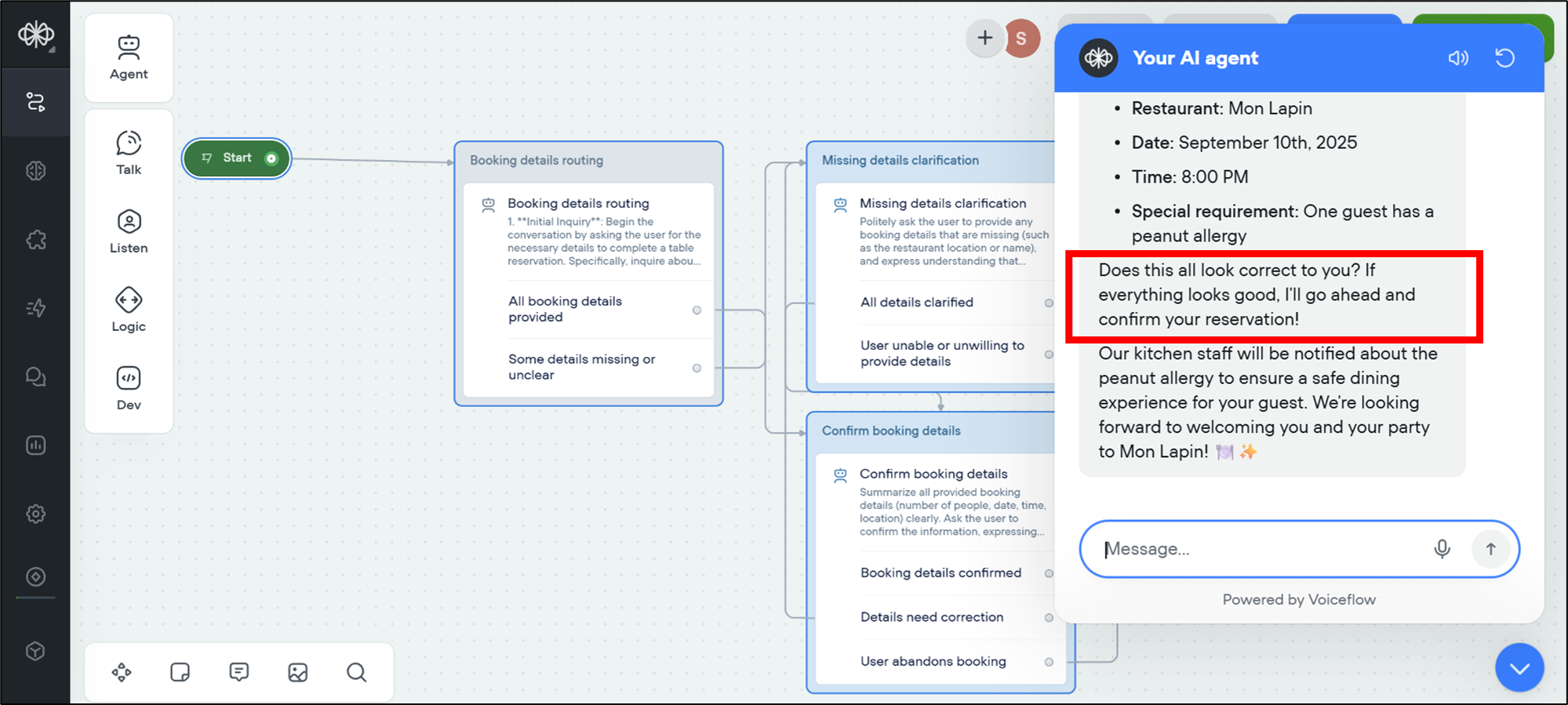
- The chatbot will now process your request with the new special requirements included. You can see that the assistant responds intelligently and empathetically, confirming your details.
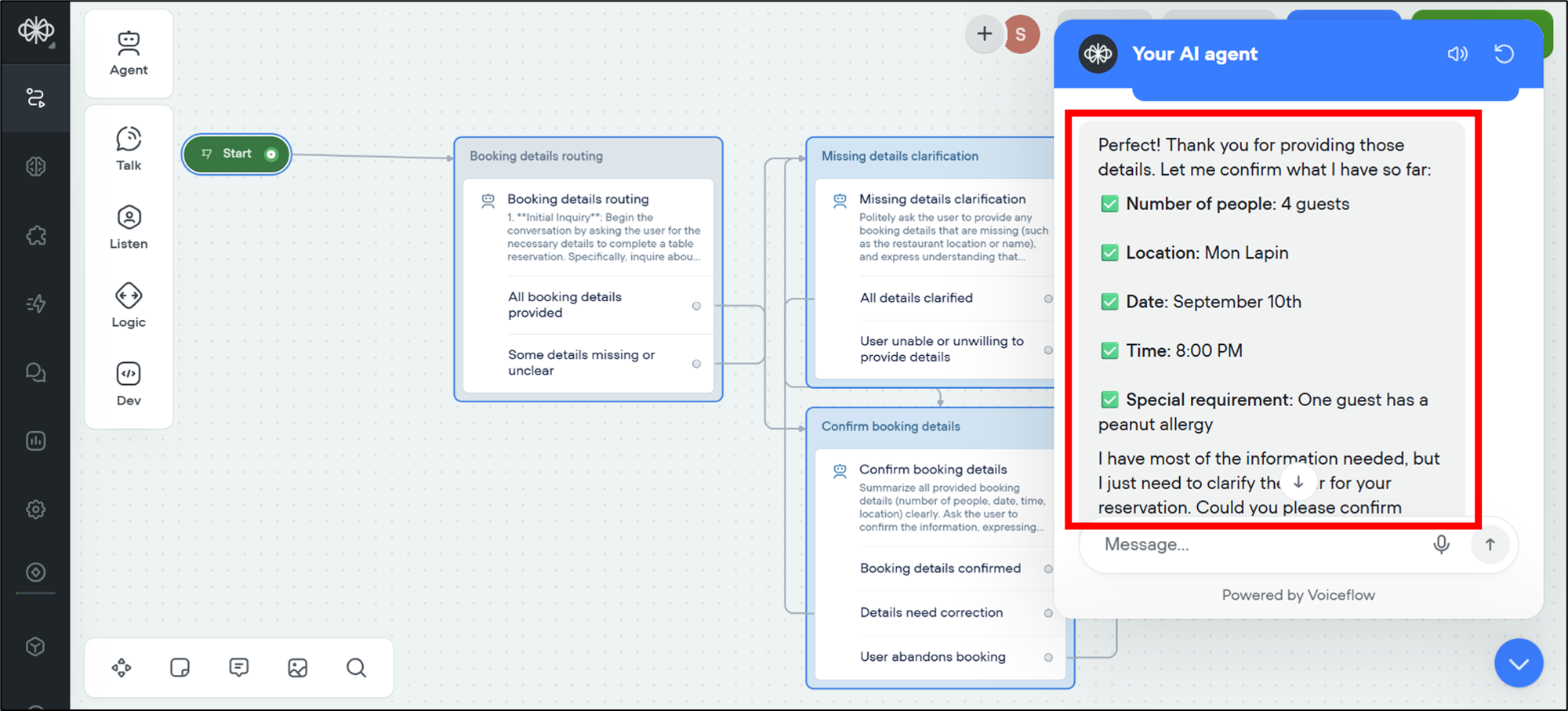
- Before finalizing, the bot will politely ask you to confirm the reservation.
Step 10: Final confirmation
- To confirm the table, you can write an instruction in the chatbox. For example,
"Please confirm the table."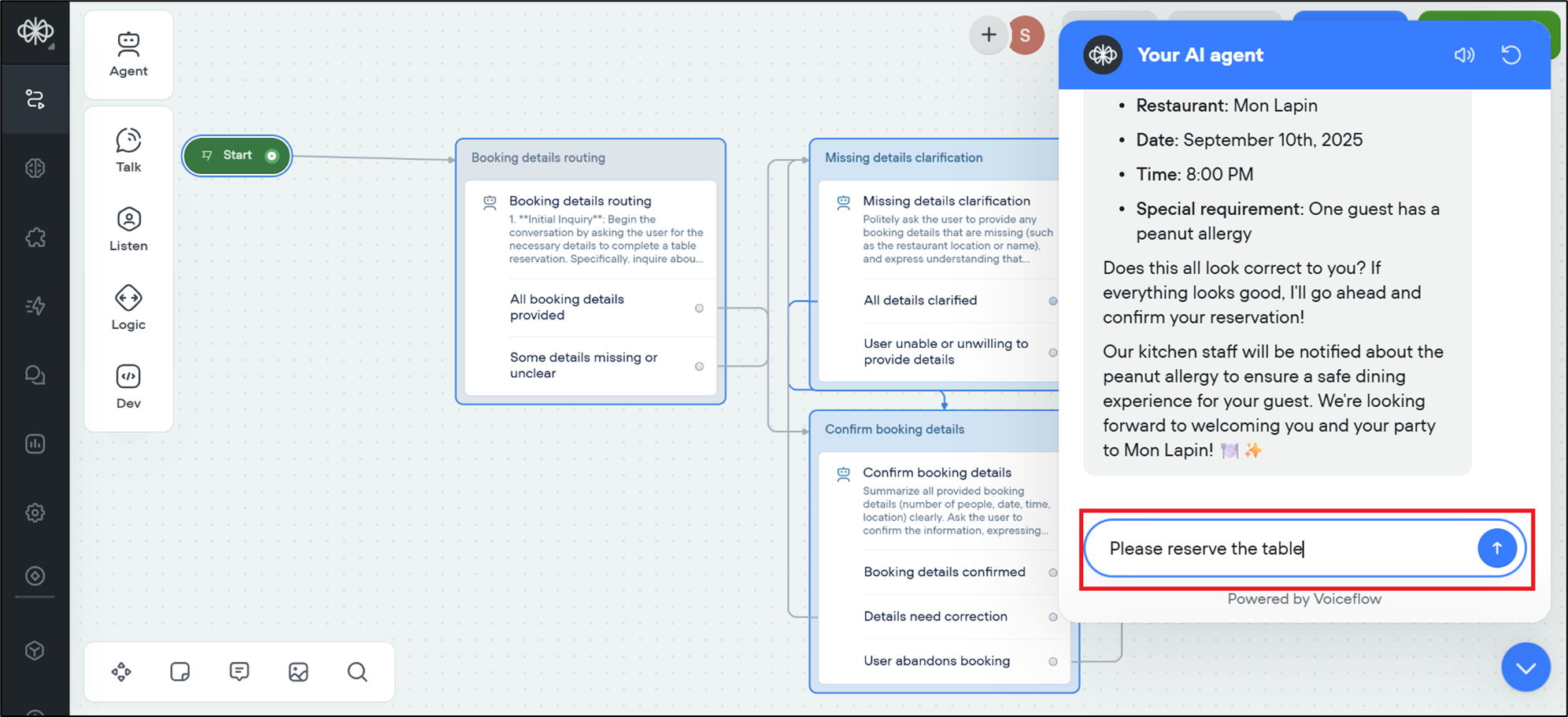
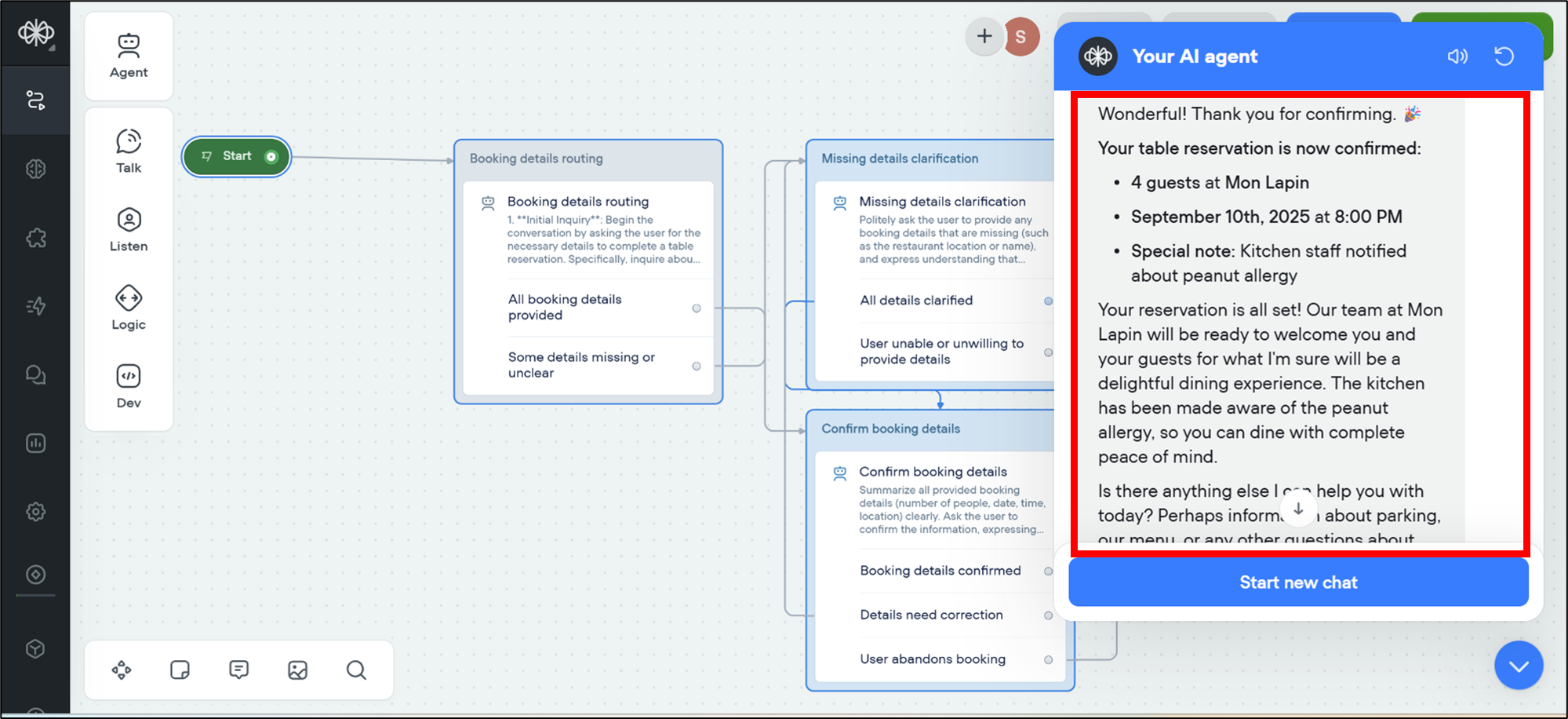
- Once you confirm your details, the bot will display the final booking confirmation message. This shows that the entire process has been completed successfully.
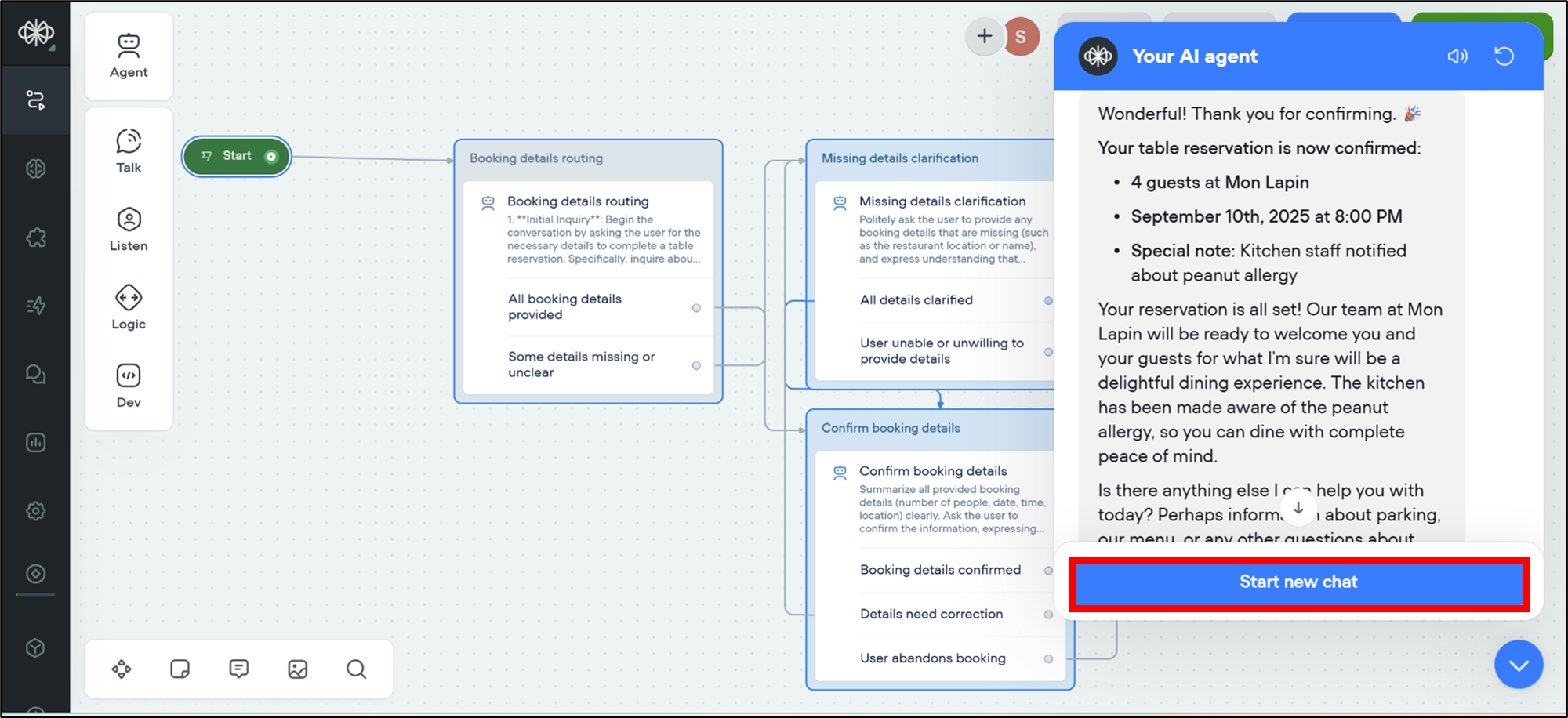
- If you want to start a new test conversation, select Start new chat.
Try yourself
To reinforce your learning, try the following tasks on your own:
Modify the assistant so it asks for contact information, such as phone number or email, before confirming the booking
Create a new scenario where the assistant helps the user cancel a booking instead of making one
Add another special requirement, such as "outdoor seating" and test how the chatbot responds
Customize the assistant's responses to sound more formal or friendly, depending on your preference.
Summary
Congratulations on completing the Lab: Simulate and Test a Conventional Voiceflow for a Booking Assistant!
In this lab, you learned to create a project in the AI tool Voiceflow and simulate a restaurant booking assistant that handles user requests. You also added logic to identify missing details, such as date, time, or location, and edited the agent for special requirements. Further, you've tested the chatbot with real scenarios, such as booking a table for four people and mentioning any allergies. In this lab, you created a strong foundation for building more advanced assistants for the future—whether for restaurants, hotels, events, or other customer services.